


Not hiring a professional copywriter? No problem. You can still write stunning, scroll-stopping copy with a few smart tools and tricks up your sleeve.
As someone who isn’t a professional copywriter but writes a lot of content, I’ve learned how to make the process faster, easier, and a whole lot more effective. Whether I’m writing website copy, planning Instagram posts, or crafting emails, these are my go-to tools for creating polished, professional, and personality-packed copy.
Let’s make your words work harder for you.
Get Chatty with AI
You don’t need to be a tech expert to get great copy out of ChatGPT you just need to know how to talk to it.
Start by giving it a little context. Tell it about your brand voice, audience, and goals. When ChatGPT knows who you are and how you speak, it stops sounding generic and starts sounding like you.
If you haven’t yet, check out “Want Better Copy? Use ChatGPT as Your Creative Partner” it walks you through setting up ChatGPT so your copy sounds more like you.
Here are a few prompts to try:
For emails or social posts:
“Write 3 Instagram captions for a [type of business] that sound confident, friendly, and a little cheeky. Each should teach something or spark engagement.”
For blog outlines:
“Create a blog outline about [topic] that’s simple, informative, and engaging for [your target audience].”
For clarity checks:
“Rewrite this paragraph to sound more conversational and easy to read.”
Use it to brainstorm, draft, or edit but always polish the final piece with your personal touch.
Using Hemingway App for Clear and Bold Writing
If your sentences are starting to sound like a Jane Austen novel, the Hemmingway Editor will be your new favorite tool.
It helps you write bold, clear, and concise copy that’s easy for your audience to skim and understand (because no one has time for fluff).
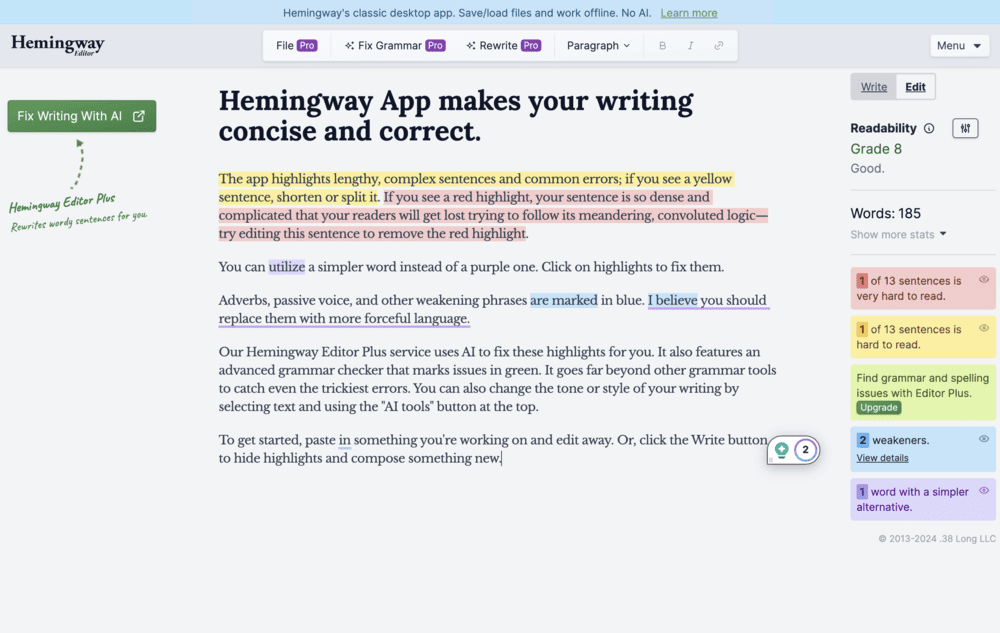
Why it’s great:
- Highlights long, hard-to-read sentences
- Flags passive voice and unnecessary adverbs
- Suggests simple ways to tighten your writing
- It’s free — yes, really.
Aim for a readability score around Grade 6–8. That doesn’t mean “dumb it down” it means make it digestible.
Quick Tip:
Paste your draft into Hemingway before publishing and simplify one sentence at a time. Your readers (and your future self) will thank you.
Grammarly for Error-Free Writing
If you’re flying solo without an editor, Grammarly is the next best thing.
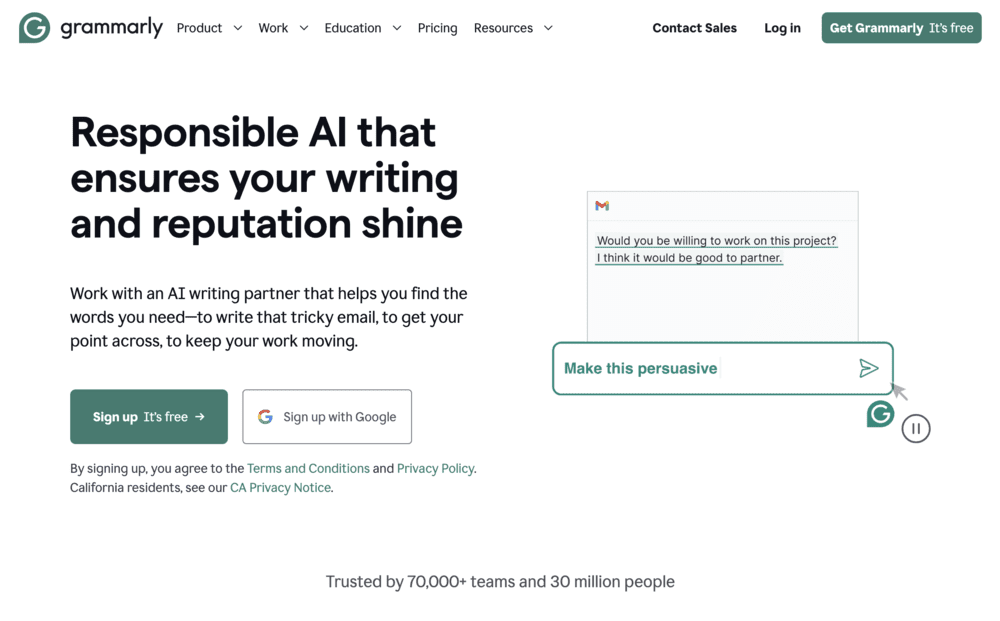
This all-in-one writing assistant checks grammar, spelling, tone, and clarity (in real time.) You can use it as a browser extension, desktop app, or even inside Google Docs.
Why I love it:
- Fixes embarrassing typos before anyone sees them
- Suggests rewording for flow and clarity
- Offers tone suggestions (so your message lands the way you intended)
Pro tip: The desktop version works seamlessly across most platforms so you’ll always have a second set of eyes, no matter what you’re writing.
Enhancing Vocabulary with WordHippo
When your brain’s running on low power and every sentence sounds the same, head to WordHippo.
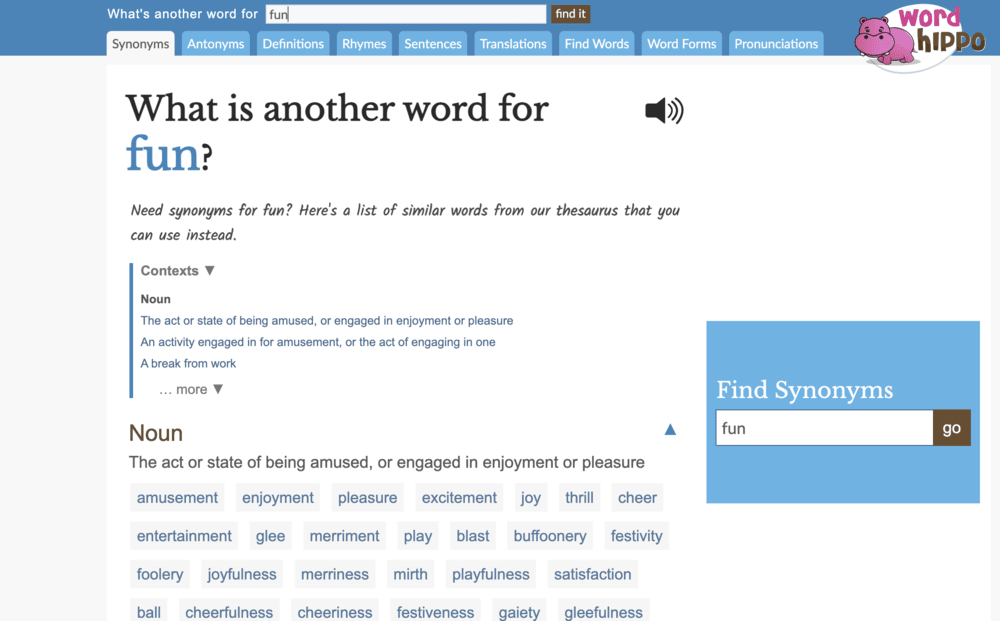
When your brain’s running on low power and every sentence sounds the same, head to WordHippo.
It’s not just a thesaurus, it’s a full-on word bank for creative business owners. You can find synonyms, antonyms, definitions, and phrases to freshen up your writing without sounding robotic.
Try this:
- Search for synonyms when your copy feels repetitive.
- Use antonyms to create contrast in your storytelling.
- Explore related phrases to make your writing more natural.
Example:
- Original: “The workshop was very fun and inspiring.”
- Polished: “The workshop was an energizing mix of inspiration and creativity.”
See? Small swaps, big difference.
Keep It Real (and Read It Out Loud)
This one’s not an app — it’s a mindset. Your audience connects with your voice, not perfection.
Before you hit publish, read your copy out loud. If you stumble, it probably needs tweaking. If it sounds like something you’d actually say to a client, you nailed it.
And remember: clarity beats cleverness every single time.
Final Thoughts
You don’t need a professional copywriter to create great copy. With tools like ChatGPT, Hemingway, Grammarly, and WordHippo, you’ve got everything you need to sound polished, confident, and completely you.
So open that blank doc, fire up your tools, and start writing. The more you practice, the more natural it becomes — and before long, you’ll be your own favorite copywriter.

xo Joelle

Free 10-Minute Audit
The Brand Clarity Cut
A guided brand scorecard to uncover what’s working, what’s missing, and what to refine.
✨ Grab your free audit now and take the first step toward a brand that feels clear, cohesive, and confidently you.